Latest News

How to Transfer a YouTube Playlist to Spotify: Step-by-Step
Transfer a YouTube playlist to Spotify with a converter or manually. Follow the steps, fix missing tracks, and avoid mismatches.
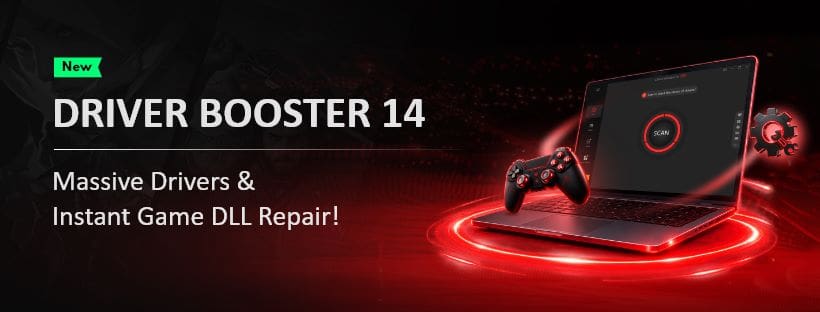
Driver Booster 14 Review: Is It Still the Best Way to Keep Your PC Running Smoothly
Our Driver Booster 14 review covers its driver scans, Game Boost, DLL fixes, backup tools, and whether it’s worth keeping...
Can’t Create a Microsoft Account? This Could Be Why
If you can’t create a Microsoft account, the problem could involve your network, browser, or Microsoft’s security checks. Here’s how...
DirectX 11 Won’t Initialize – Fixes to Try
Getting a DirectX 11 initialization failed error? Try these fixes for graphics drivers, missing files, and game compatibility.
Recommended
-

3 Fixes for "How to Get Help in Windows" Keeps Popping Up
If the 'how to get help in Windows' page keeps popping up on your PC, here are some troubleshooting tips to help you stop it.
-
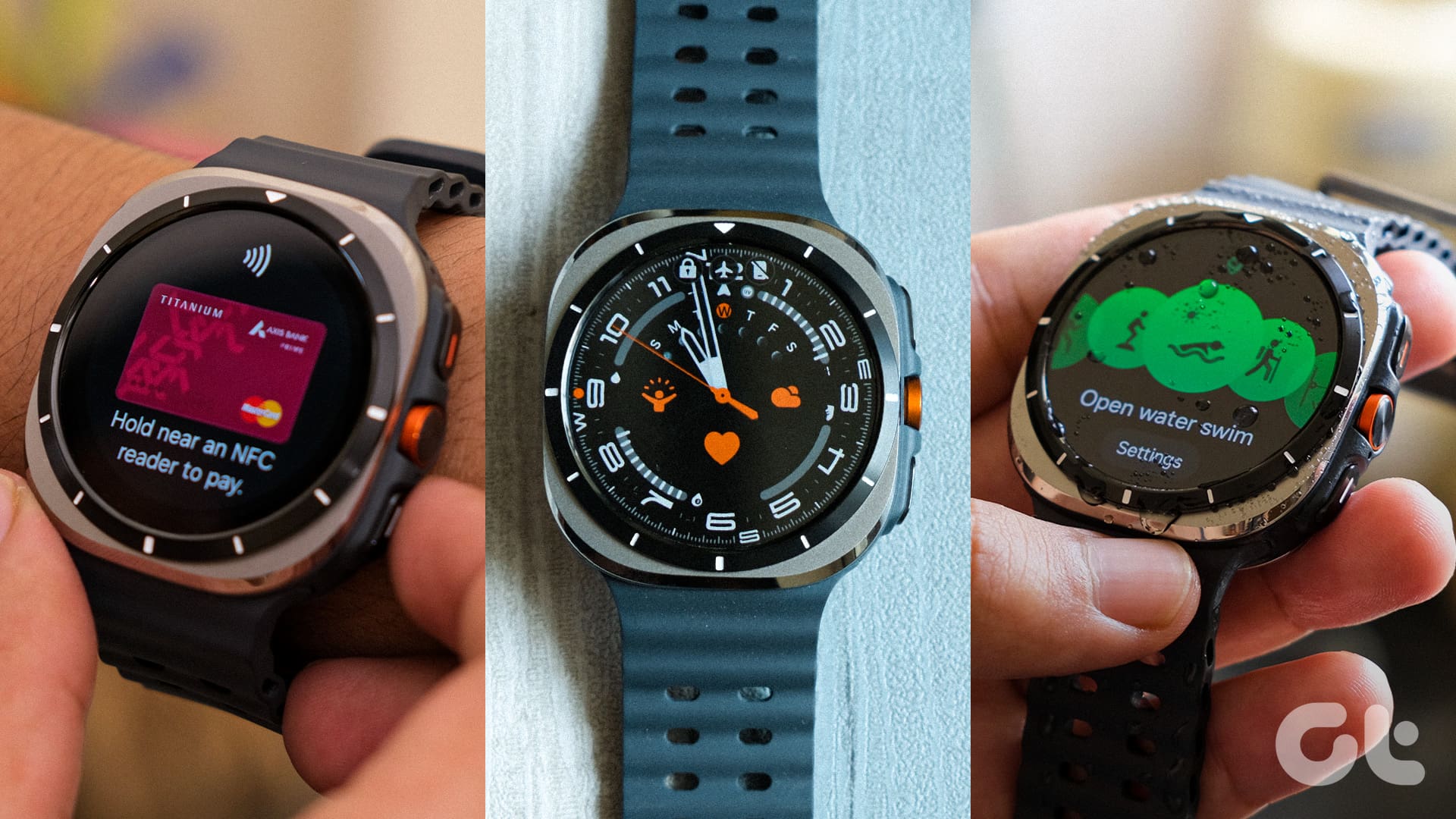
Samsung Galaxy Watch Ultra Review: It's Ultra, but Not for Everyone!
Samsung's Galaxy Watch Ultra offers a big display, a bigger battery and a lot of power. But is it the smartwatch for you? Let's find out.
-
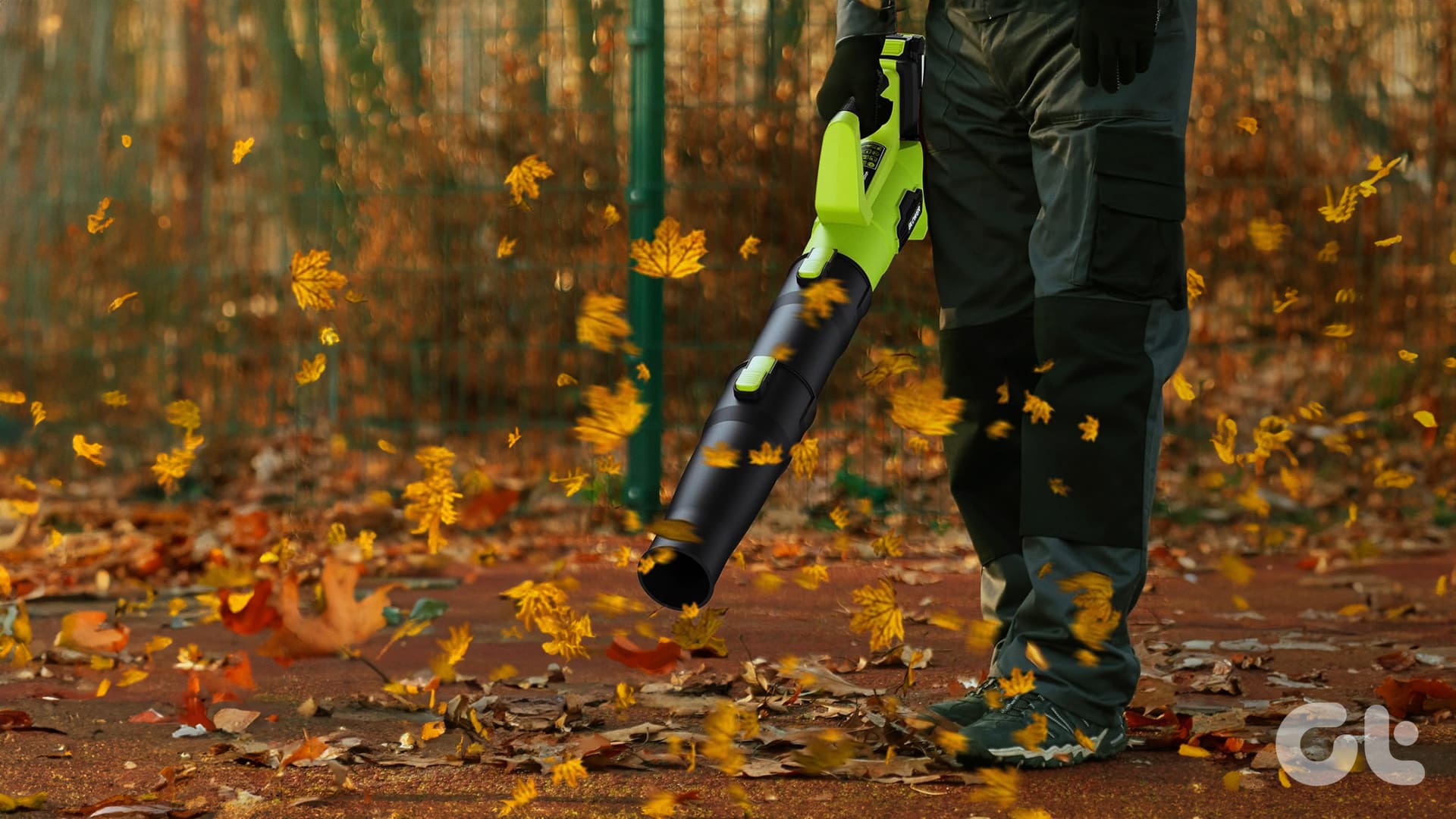
6 Best Leaf Blowers to Buy This Fall
In search for the best leaf blowers to buy this fall for your backyard or garden? Check out our list for some good options.

Meet our experts
Meet some of the experts behind our most insightful guides and reviews.

Ashish Mundhra
Head of Video & GM
With over 15 years of expertise spanning Android, Windows, iOS, and Linux, his contributions have been recognized from publications such as The New York Times, Lifehacker and more. He holds a Master’s Degree in Computer Engineering and has served as a Team Lead at IBM.

Estephania Cristina Ph.D.
Editor
Dr. Cristina graduated with a Ph.D. and Masters in Science as well as a Bachelors in Electrical Engineering with Honors prior to working with Guiding Tech Media as an Editor and Author. She has been active in the fields of computer vision and image processing for the past 9 years.

Mark Condon
Editor
Mark has been a professional photographer, editor and community builder for over 15 years. He has personally reviewed hundreds of high tech photography equipment over the years and has deep expertise in creating technical content for both professionals and hobbyists.

Adrian Tam Ph.D.
Editor-in-Chief
Dr. Tam is a data scientist and software engineer at NVIDIA. He received his Ph.D. in Electrical Engineering as well as his Masters in Information Engineering prior to becoming Editor-In-Chief at Guiding Tech Media. He has co-authored six books across various topics of technology.
watch now
Learn more on Guiding Tech’s YouTube Channel



FEATURED
-
What to Do if Your Upgraded RAM Doesn’t Show up or Work on Windows 11?
Let us have a look at four things you can do if your upgraded RAM doesn’t show up or work on your Windows 11 laptop.
-
Fix: “Call Failed, the Group Has Too Many Participants” Error on WhatsApp
Are you facing “Call Failed, the Group Has Too Many Participants” error on WhatsApp? Here’s how to fix this issue effectively.
-
Can You Upgrade the RAM on Your Windows Laptop?
Before you get started on upgrading the RAM on your Windows laptop, let us have a look at a few things you might need to consider beforehand.




More on guiding tech
-
Why Are Sent Emails Appearing in My Outlook Inbox?
If you find sent emails showing up in Inbox, Outlook has a fix for that. Here are the settings and troubleshooting steps that can help resolve the problem.
-
An AI Article Summarizer for Finding the Argument Before You Respond
Someone sends an article and asks what you think of it, and the honest answer is you haven’t read it yet.
-
8 Fun Bing Features You Might Not Know About
Did you know that Bing has lots of fun and useful features for your browsing experience? We look at 8 Bing features and what they offer you.
-
Remote Desktop Doesn’t Have Sound – 6 Quick Fixes
Remote Desktop doesn’t have sound? Try these 6 fixes to restore audio, check sound settings, and troubleshoot connection and driver issues.
-
Game Controllers or External Touchpads Not Recognized in Windows 11
Fix the external touchpad not recognized issue in Windows 11 with these troubleshooting tips for drivers, USB connections, and device settings.
-
Troubleshooting “It’s Not You, It’s Me” in Copilot
In most cases, the Copilot app “It’s not you, it’s me” error needs to be waited out. However, checking a few internet-related settings and caches can help.